
Reports
Overview
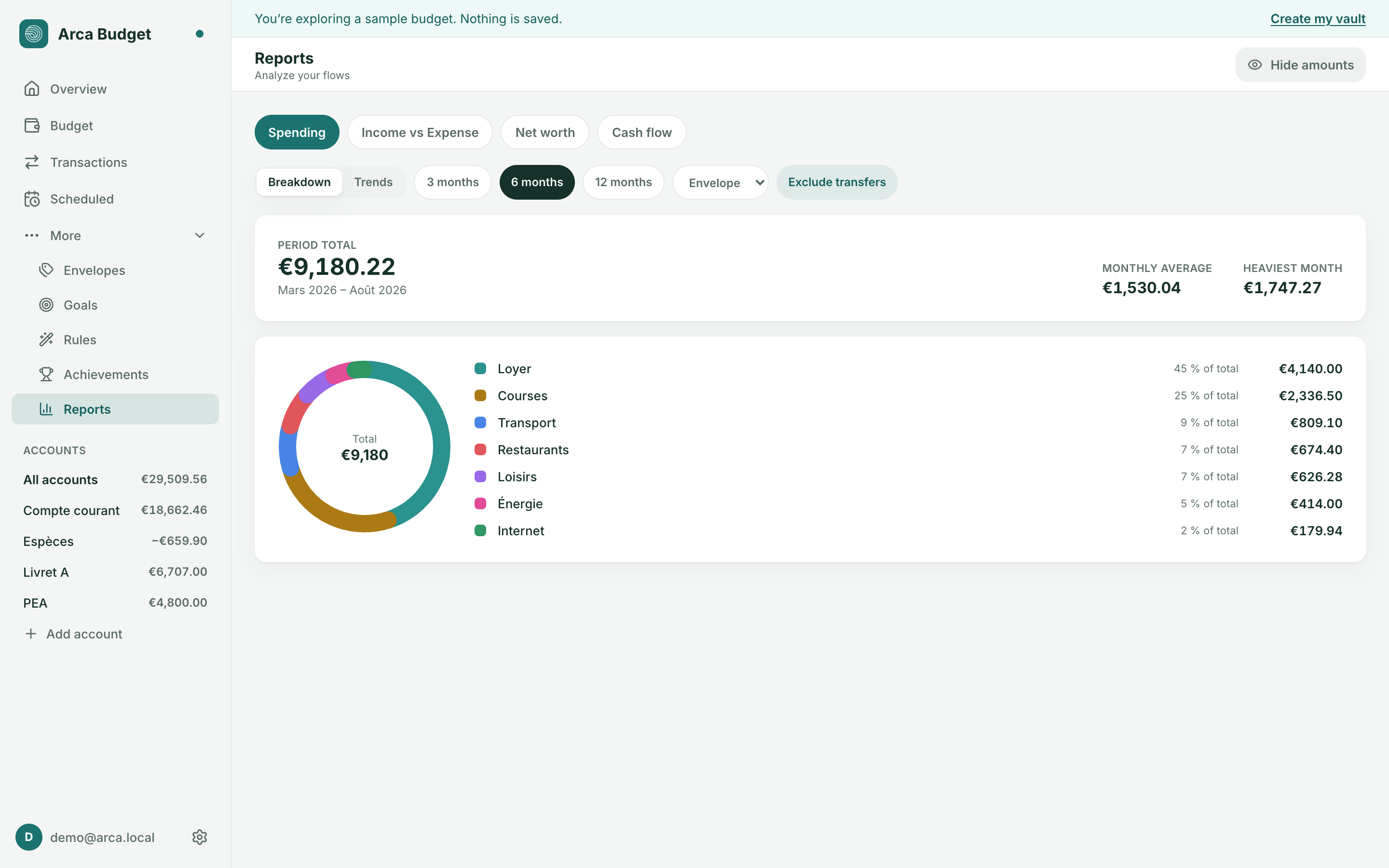
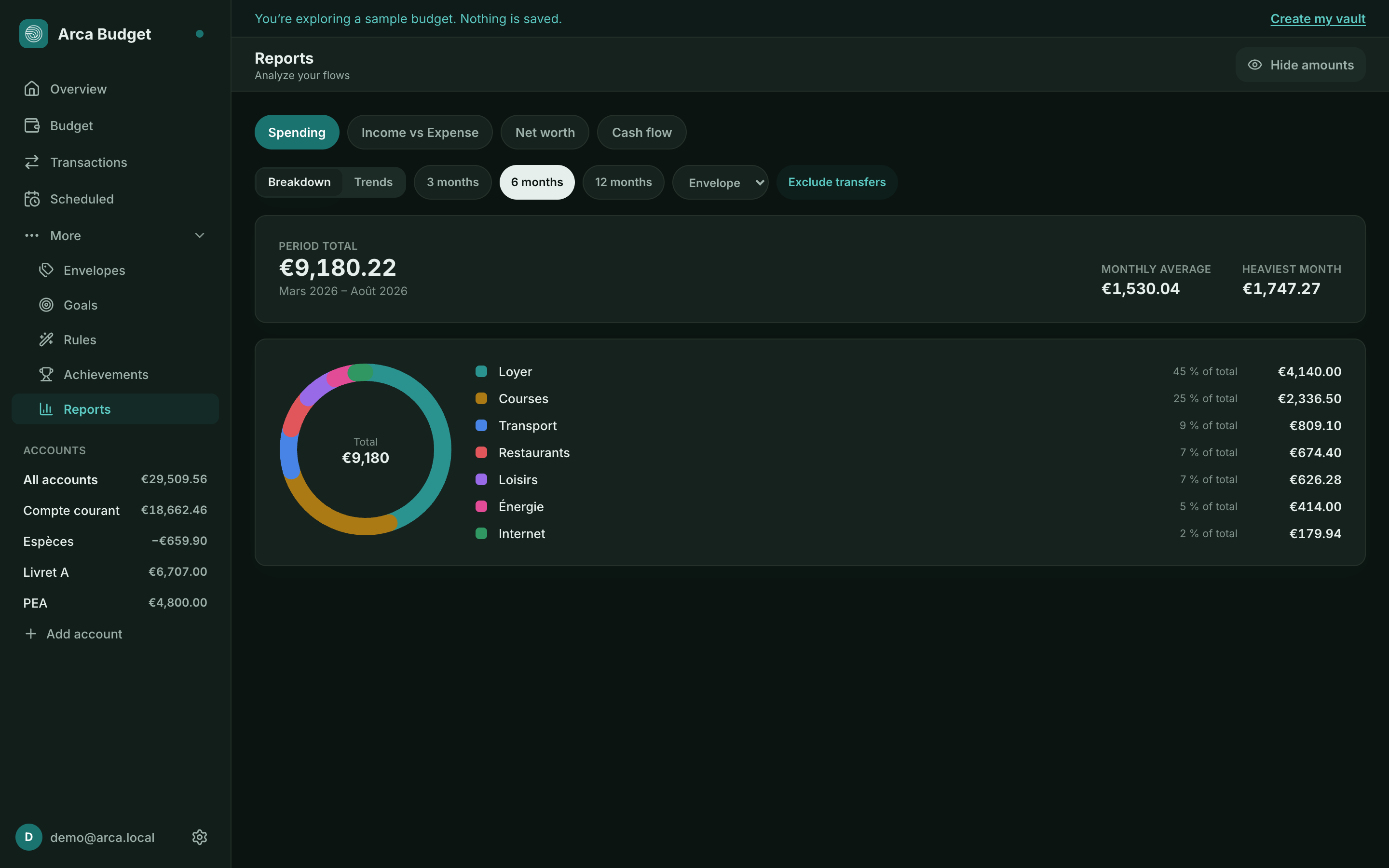
The Reports page offers four analyses of your flows:
- Spending — breakdown of your spending by category, group, payee, or account,
- Income vs Expense — monthly comparison of what comes in and goes out,
- Net worth — how your net worth evolves over time,
- Cash flow — your cash flow, period by period.
Customizing a report
Section titled “Customizing a report”Each report is configured independently:
- Breakdown or Trends as the display mode,
- grouping by Category, Group, Payee, or Account,
- a period of 3, 6, or 12 months,
- Exclude transfers so movements between your own accounts don’t skew totals,
- Hide amounts if you’re sharing your screen.
Currencies and reports
Section titled “Currencies and reports”If you use several currencies, a missing exchange rate is flagged directly on the affected report — see Multiple currencies.
Was this page helpful?
Thanks — noted.