
Budgeting
Categories, rules and goals
Categories
Section titled “Categories”Each category belongs to an expense or income group. Create, rename, or reorganize your categories and groups from the Categories page so they match your actual spending — the default categories are only a starting point.
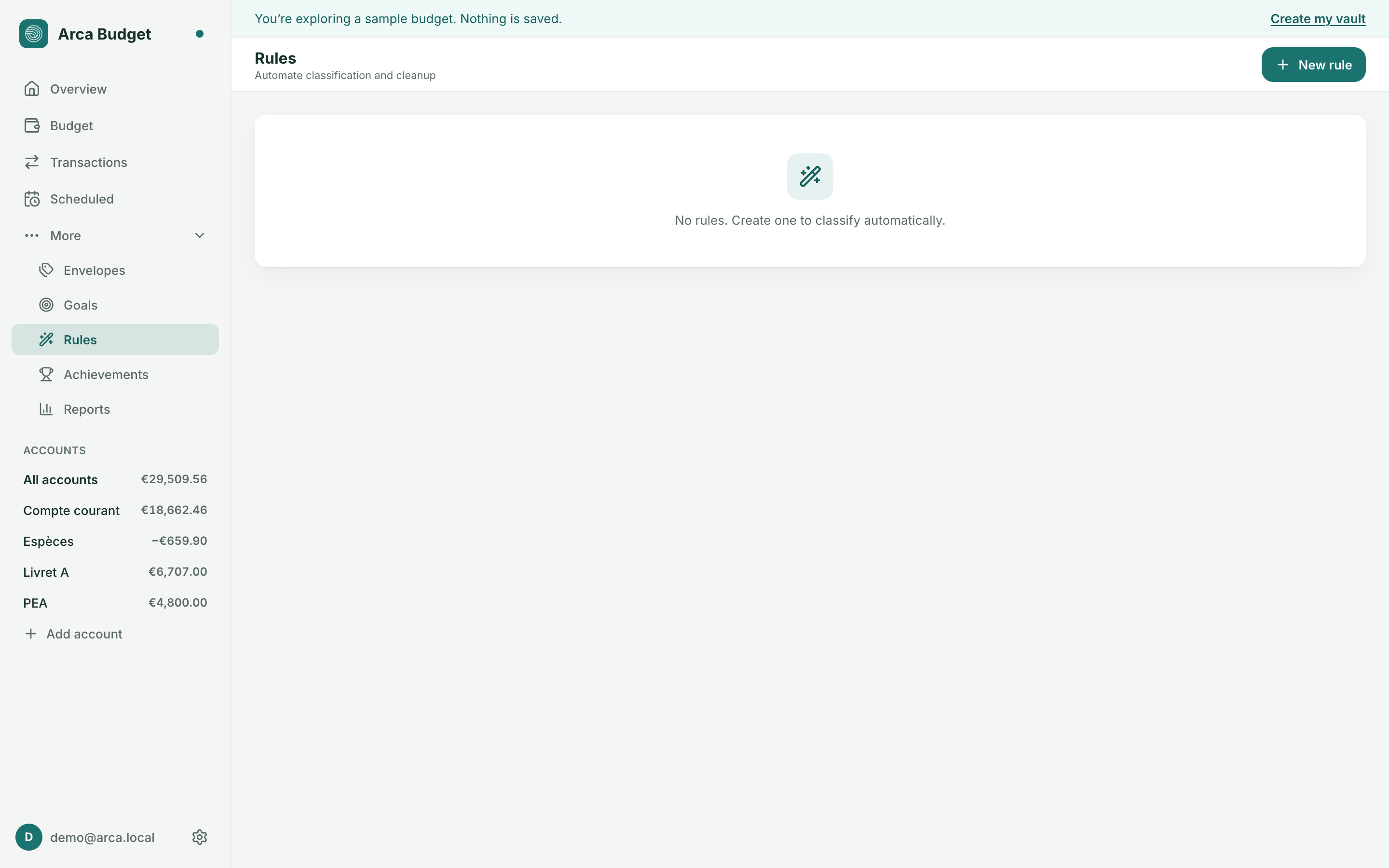
Rules automate categorizing and cleaning up your imported transactions. Each rule follows an If / Then structure:
- If — one or more conditions on the imported name, payee, category, note, or amount (operators: is, is not, contains, does not contain, starts with, one of, regex), combined as “all” or “any”.
- Then — the values to apply (payee, category, note…).
Rules run in three stages: Before, Normal, After — useful for chaining several rules in a precise order (e.g. normalizing a payee before categorizing based on it).
When you create or edit a rule, Arca offers to apply it to existing matching transactions, or to future ones only.
A rename that teaches itself
Section titled “A rename that teaches itself”When you rename a transaction’s payee and the old name is no longer used by any other — say “La mie câline” becomes “Boulangerie” — a banner appears above the register and lets you choose, without interrupting anything: Merge and learn, Merge only, or Keep. Merging joins the two payees into one without losing any history; learning also creates a “Before” rule for each label your bank writes on those lines, so the next imported statement lands straight on the new name. The banner counts the labels involved before you click, and a single ⌘Z (Ctrl+Z) undoes the merge and the rules together. Applying a rule from the editor never triggers this prompt.
A goal tracks your progress toward a specific target — a vacation, an emergency fund, a future purchase. It follows the balance of an account or an envelope, with an optional target date; Arca then works out how much to save each month to hit it in time.
A goal can also be attached directly to a category (Budget page), in several forms:
- Monthly — fund a fixed amount every month,
- By date — reach an amount by a deadline, picked to the day in a native date field; Arca immediately shows the estimate “≈ {amount}/month until the deadline”,
- Refill — top a cap back up after each spend,
- Weekly — target calculated on a weekly basis,
- Limit — never go over an amount.
The category then shows its progress (“Target met”, “{amount} left to fund”) right in the budget table.
Was this page helpful?
Thanks — noted.