
Accounts & Transactions
Accounts
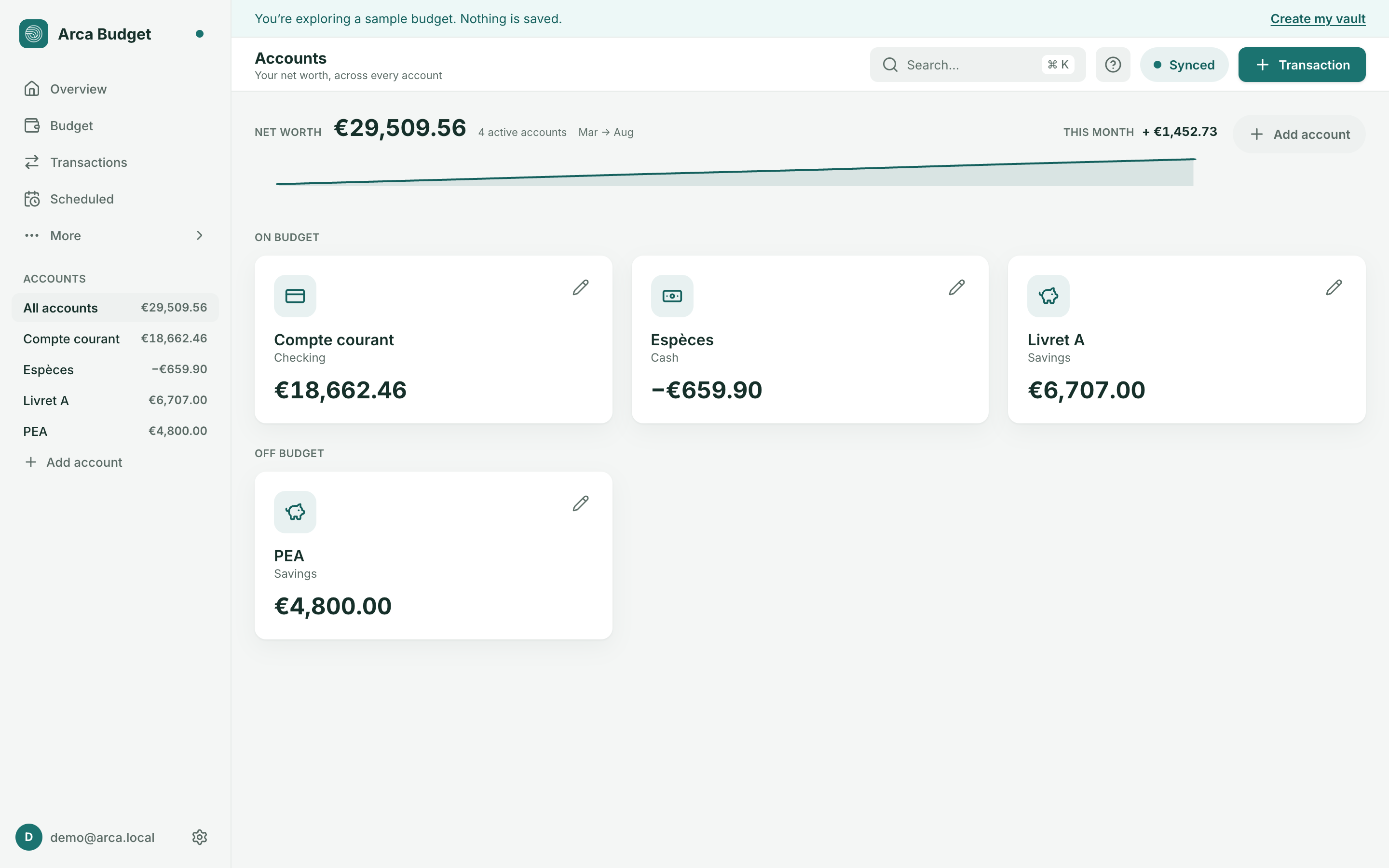
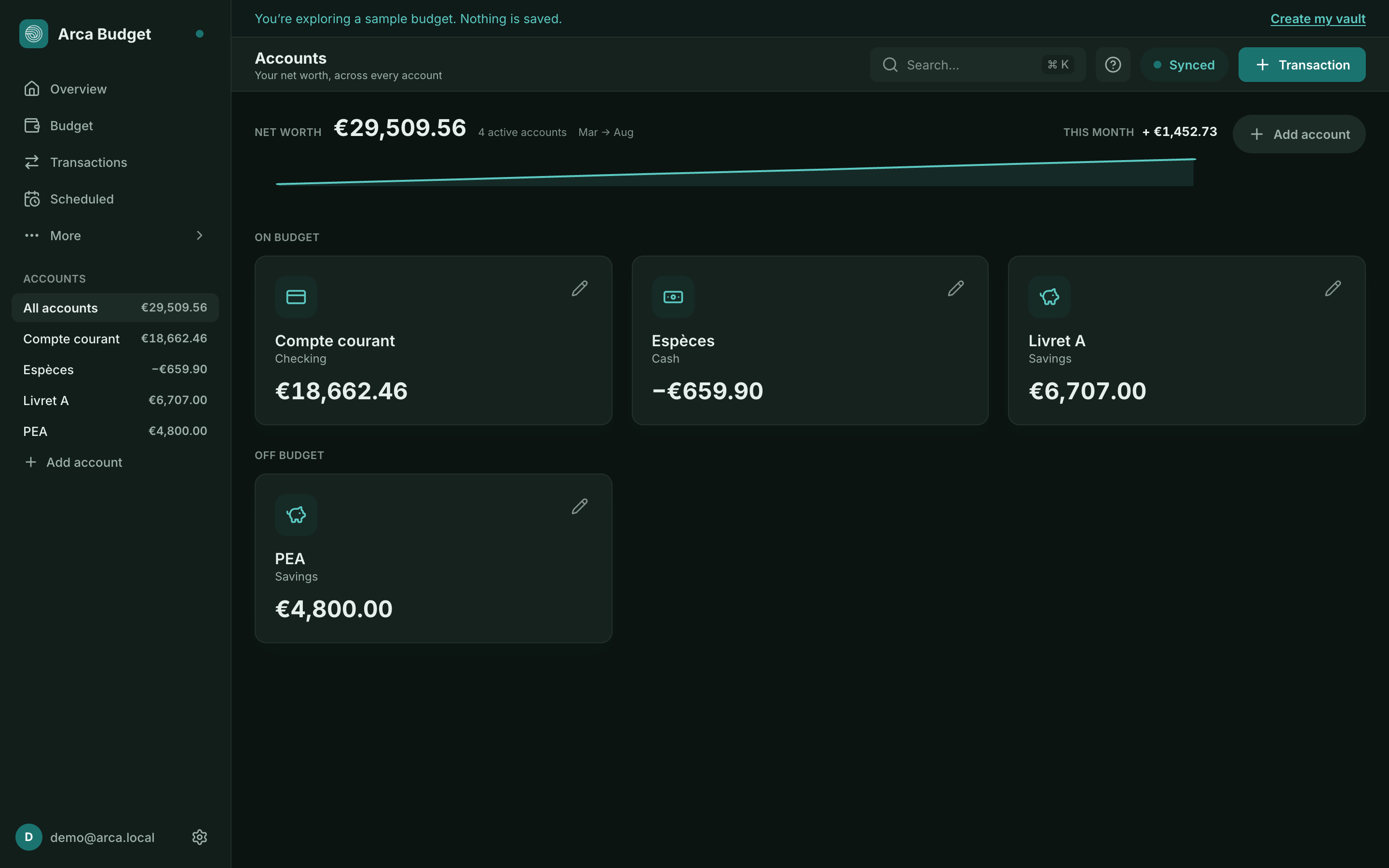
The Accounts page shows your net worth (across every account) and your list of active accounts.
The curve
Section titled “The curve”Under the amount, the page draws your net worth over the last six months, together with the change for the current month (“This month”). An account’s page draws its balance the same way — hover the curve to read the value for the month you point at.
Account types
Section titled “Account types”- Checking
- Savings
- Cash
- Credit card
- Investment
- Other
Each account has its own currency — see Multiple currencies if you juggle several.
On budget vs off budget
Section titled “On budget vs off budget”An account can be included in the budget or off budget:
- On budget — its transactions feed or draw down your “To assign” (checking accounts, cards, cash, generally).
- Off budget — its activity counts toward your net worth but never affects your envelopes (long-term savings, investments). Useful for tracking an investment without it polluting your monthly budget.
This setting can be changed from the account’s details, unless the account’s currency differs from the budget’s: in that case the account is necessarily off budget (net worth tracking only) and the toggle is locked. See The envelope principle for the exact effect on “To assign”.
Adding an account
Section titled “Adding an account”From Accounts → Add account, pick a name, a type and a currency. The starting balance is entered as a first transaction.
Was this page helpful?
Thanks — noted.