
Getting Started
First steps
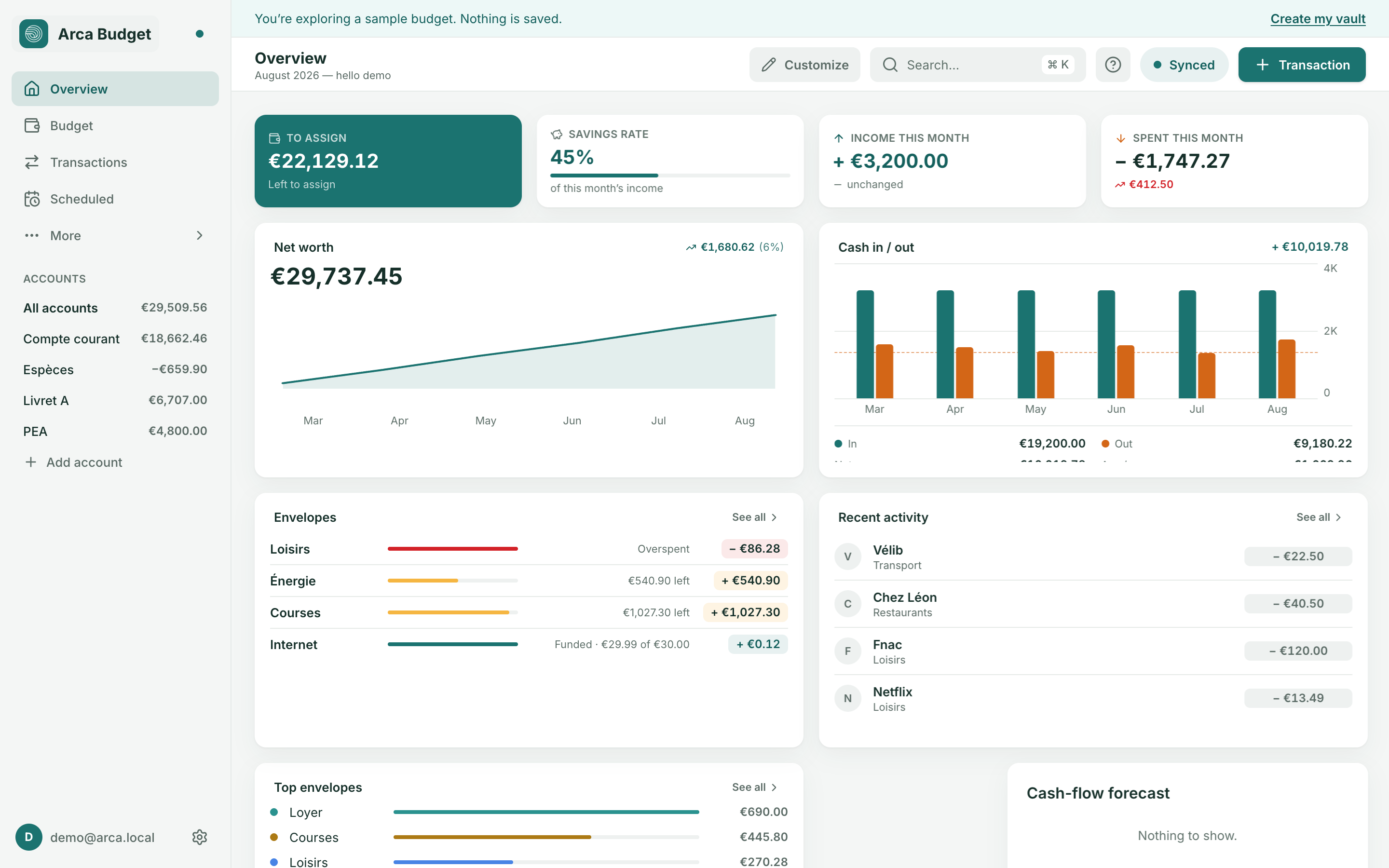
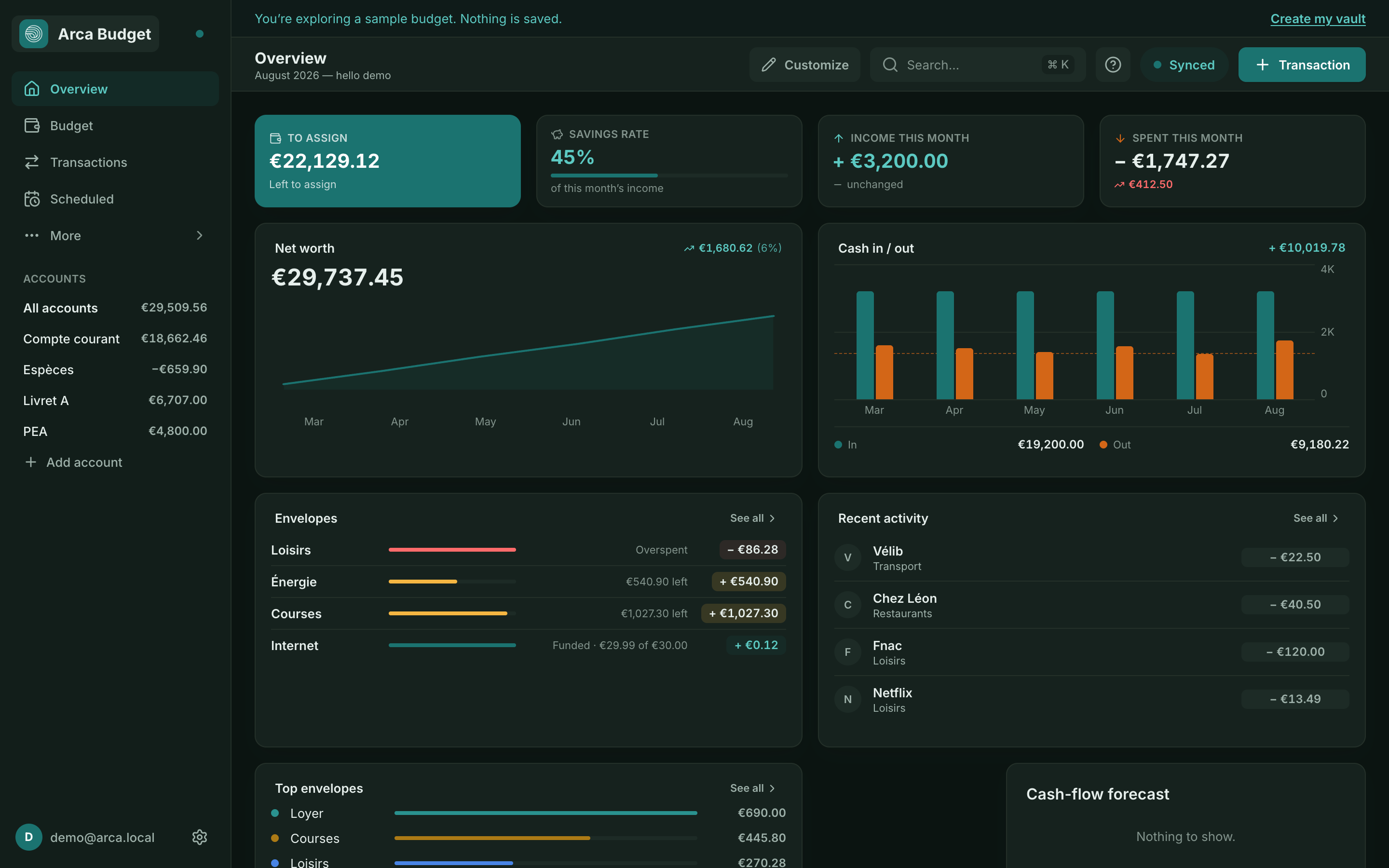
1. Add an account
Section titled “1. Add an account”From the Accounts page, click Add account and choose its type: Checking, Savings, Cash, Credit card, Investment or Other. Each account has its own currency.
An account can be on budget or off budget: off-budget accounts (long-term savings, investments) count toward your net worth but their activity never affects your “To assign”. See Accounts.
2. Record your transactions
Section titled “2. Record your transactions”From Transactions, add an expense, income, or a transfer between two accounts. See Transactions for the details (splitting, reconciling, payees).
3. Assign your money
Section titled “3. Assign your money”On the Budget page, the amount not yet assigned appears at the top as “To assign”. Distribute it across your categories until it reaches zero: every euro gets an envelope. See The envelope principle.
4. Organize your categories
Section titled “4. Organize your categories”The default categories are a starting point. Create, rename, or group them from Categories so they match your actual spending — see Categories, rules and goals.
What’s next
Section titled “What’s next”- Multiple currencies? See Multiple currencies.
- Have a bank history to bring in? See CSV import and export.
- Want to track your finances on your phone too? See Multi-device sync.
Was this page helpful?
Thanks — noted.