
Accounts & Transactions
Recurring transactions
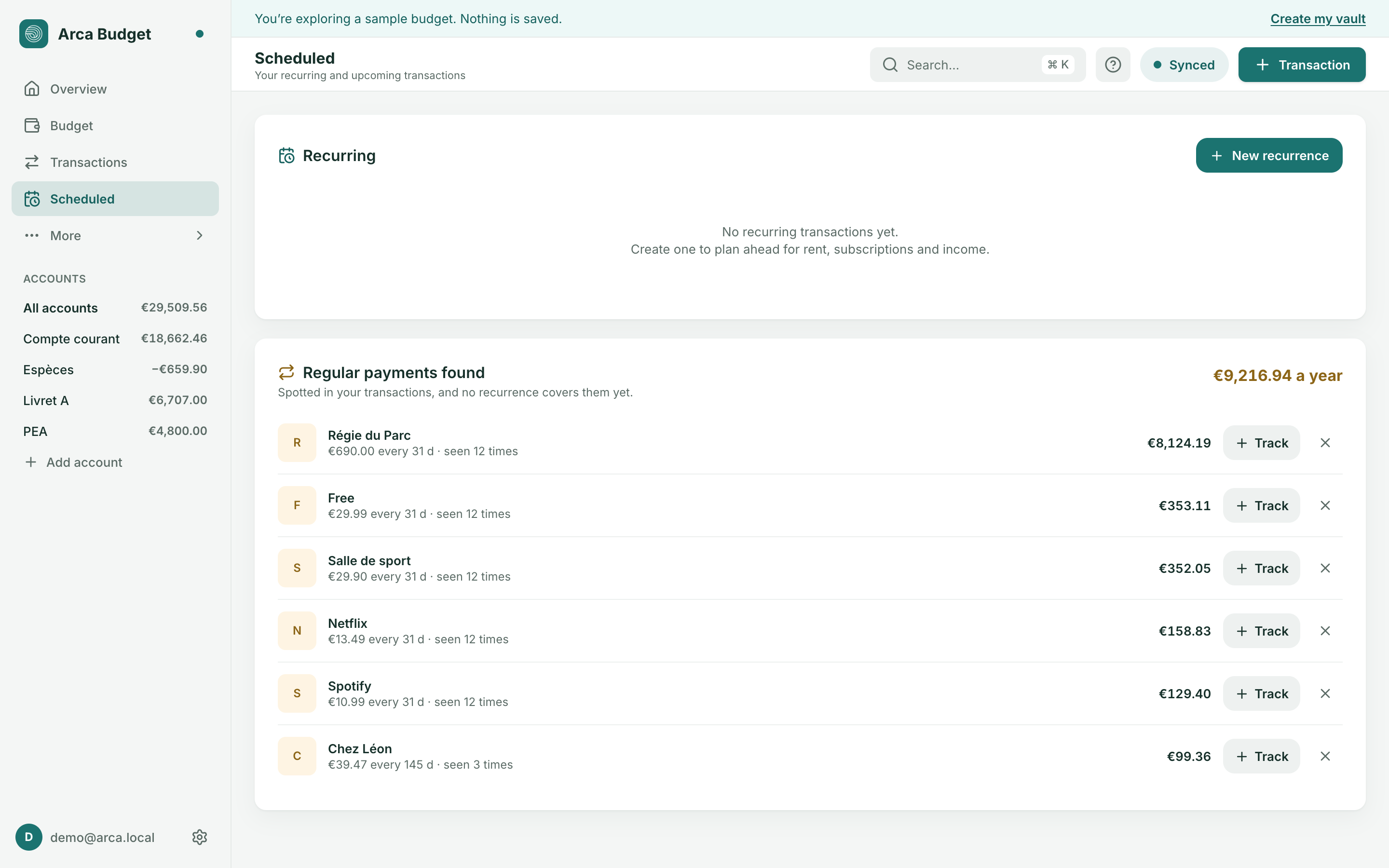
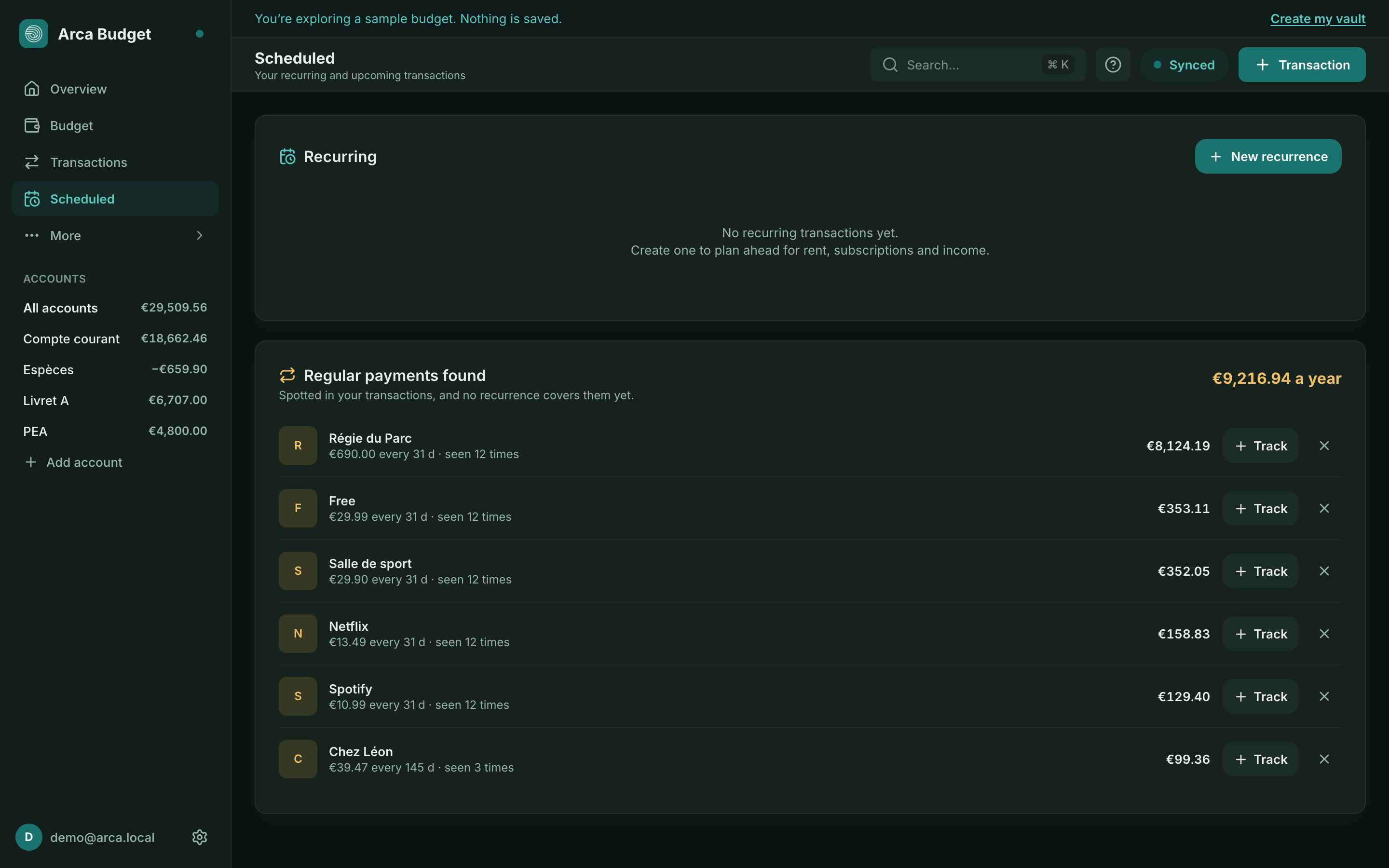
Scheduled lists your recurring and upcoming transactions: rent, subscriptions, salary… Create a recurrence instead of re-entering the same transaction every month.
Creating a recurrence
Section titled “Creating a recurrence”Enter the first occurrence and its frequency: once, daily, weekly, monthly, or yearly.
Weekend behavior
Section titled “Weekend behavior”If an occurrence falls on a weekend, choose the behavior:
- Keep — the date doesn’t change,
- Move earlier — shift to the last business day before,
- Move later — shift to the next business day.
Ending the recurrence
Section titled “Ending the recurrence”A recurrence can end never, after N occurrences, or on a given date.
The status of each recurrence
Section titled “The status of each recurrence”Every row carries its status. It is computed as it is read, never stored somewhere it could go stale:
- Paid — a transaction from this cycle is attached to it,
- Due — that’s today,
- Upcoming — within two weeks,
- Missed — the date has passed and nothing has settled it,
- Scheduled — further out than that,
- Completed — it no longer produces anything.
Recurrences are grouped under This month, then Later; completed ones wait behind a fold, collapsed by default. At the top, two figures sum up the month: what is paid this month — the total of the transactions actually attached, not of the expected amounts — and what is left to pay. The bar joining them carries one segment per recurrence, as wide as its amount: filled when it is settled, hollow otherwise.
Post, skip, complete
Section titled “Post, skip, complete”A row’s ⋯ menu only offers what makes sense for that row:
- Post now — records this occurrence’s transaction, on its expected date. If a matching transaction already exists, it is attached rather than duplicated,
- Skip this occurrence — moves on to the next date without recording anything, for a month where the charge never happened,
- Complete — the recurrence stops and joins “Completed”,
- Reopen — puts it back in service,
- Edit and Delete.
Every one of these can be undone with ⌘Z (Ctrl+Z), and a message says so as it happens.
Recording the transaction, or only announcing it
Section titled “Recording the transaction, or only announcing it”In the form, Create the transaction automatically decides whether Arca records the transaction for you on the expected date. Unchecked, the recurrence only announces: it shows as “due”, then “missed”, and Post now records it whenever you choose.
The amount can be Exact or About, with a tolerance in percent. An electricity bill never lands twice on the same cent: without a tolerance, Arca does not recognise yours and adds a line next to it.
Attaching a transaction to a recurrence
Section titled “Attaching a transaction to a recurrence”Arca attaches a transaction to its recurrence on its own when it falls within two days of the expected date, on the right account and for the right amount. A charge taken earlier than planned, or for an unexpected amount, stays on its own — and the recurrence ends up adding a second line next to it.
From the register, a row’s ⋯ menu (or a right-click on the row) then offers:
- Link to a schedule — the list of active recurrences, filtered from the start on the transaction’s account. Each line shows its status, its amount, and the gap between its date and the date of the transaction you are attaching. If the right one doesn’t exist yet, Create a schedule opens the form already filled in from the transaction.
- View schedule and Unlink schedule, once the transaction is attached.
An attached transaction won’t be duplicated any more: the recurrence treats that date as settled. Unlinking frees the transaction, without reopening dates that have already passed.
The same menu also offers Create a rule from the transaction and Duplicate (a copy dated today, not cleared).
Detected subscriptions
Section titled “Detected subscriptions”Below the recurrences, Regular payments found lists the payees your transactions show as being charged regularly, and that no recurrence covers yet. The detection runs on your device: nothing is sent anywhere.
Each line gives the median interval between charges and how many times it was seen. The amount on the right is the cost over a year, and the yearly total for the whole list appears in the header.
- Track opens a new recurrence, pre-filled with the payee, the amount and the next date,
- Ignore removes the line for good; a message offers Undo right after.
Was this page helpful?
Thanks — noted.