
Budgeting
Organizing your categories
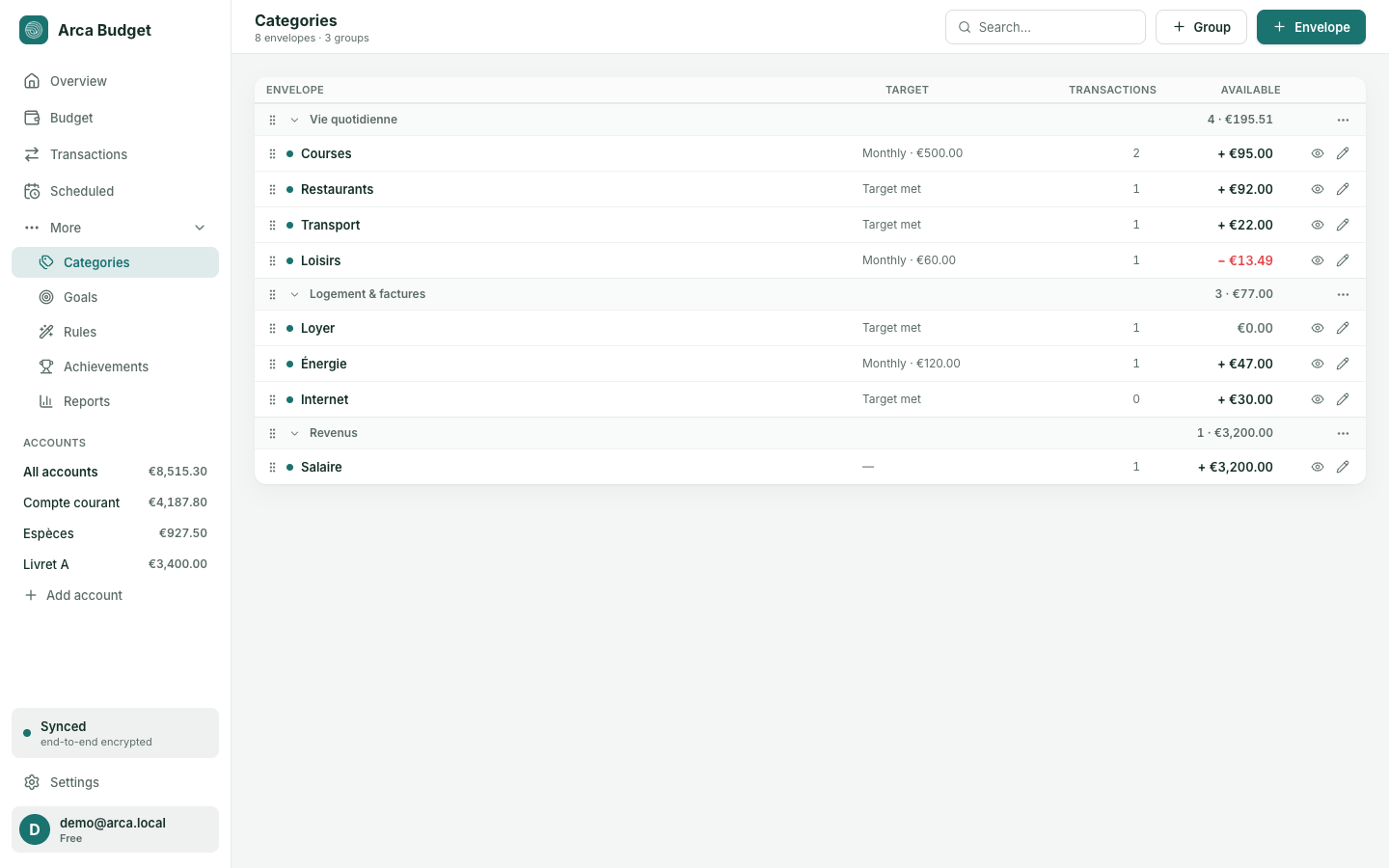
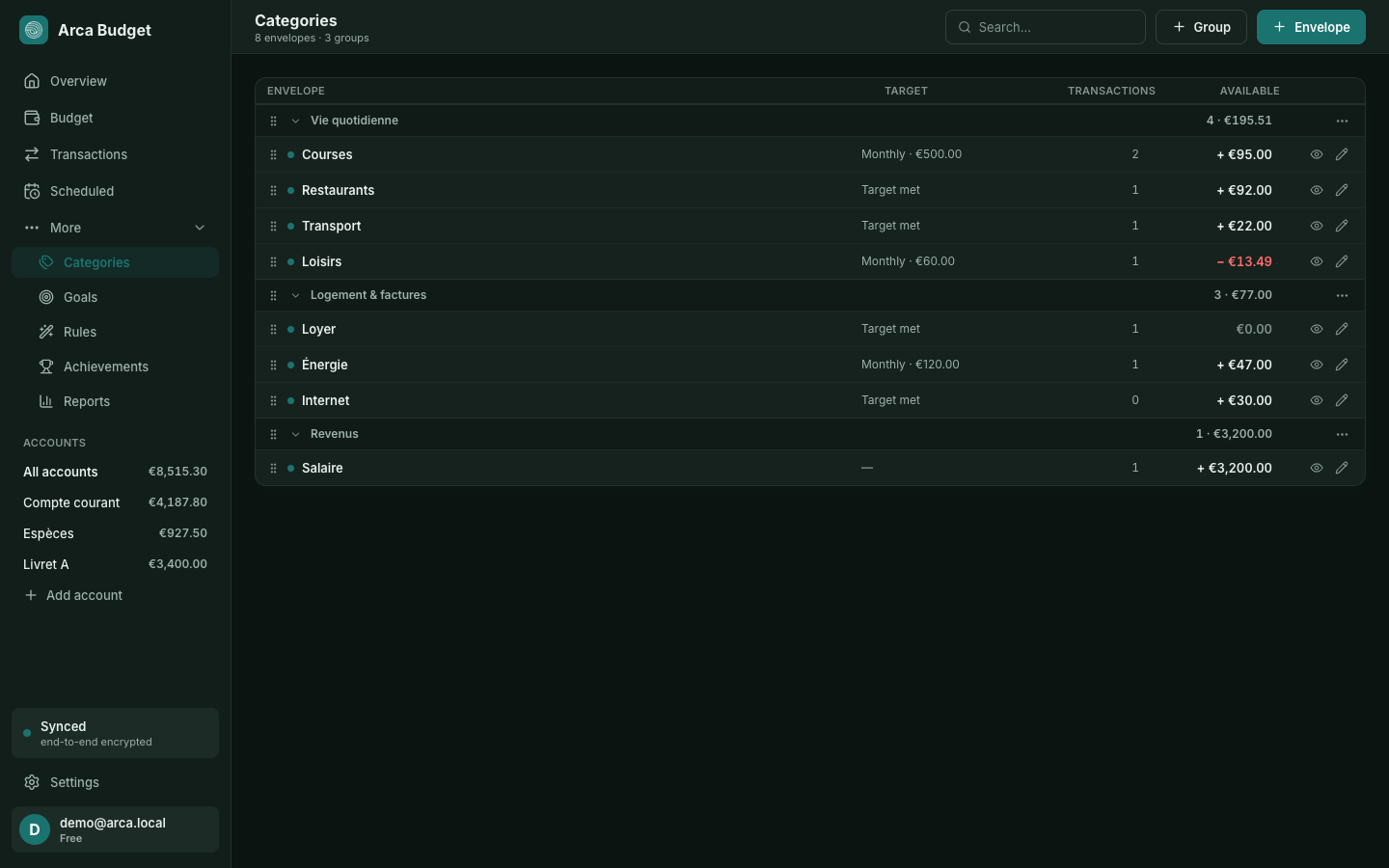
The Categories page (More → Categories) is where you tidy up your envelopes. It never touches money: to assign amounts, go to Budget.
Groups
Section titled “Groups”A group gathers envelopes that belong together — “Everyday”, “Housing & bills”. It has no effect on any calculation: it’s storage, plus a section total.
Expenses and income are two separate worlds. An expense envelope cannot join an income group: the budget’s totals rely on that distinction, and crossing it would flip the meaning of the amount.
The + Group button, top right, creates one: you pick its side (expense or income) and its name. The ⋯ menu on each header renames or deletes it.
A group can only be deleted once empty. Otherwise its envelopes would belong to nothing and vanish from every screen without actually being erased — move them out first.
Each envelope can carry a small icon. Its sheet — the pencil on a row, or the + Envelope button — opens on an Emoji field beside the name: a one-character box, enough to call up the system’s emoji keyboard, doubled by a palette of twenty common ones. It’s there when you create an envelope as well as when you edit one.
The glyph is decorative and nothing more: screen readers don’t announce it (it’s marked aria-hidden), and it shows in front of the envelope’s name on the Budget page.
Reordering
Section titled “Reordering”Every row and every group header has a handle. Three ways to move an envelope, depending on what you have at hand:
- With a mouse — drag the handle. A line shows where the envelope will land.
- Onto a group header — drop it there and it goes to the top of that group.
- From the envelope sheet — open it (pencil) and pick its Group. This is the only path available with a keyboard or on a touchscreen, where HTML drag-and-drop doesn’t exist.
Groups themselves reorder the same way, by their own handle.
The order you set here is the order of the Budget page. It’s shared across your devices.
Empty groups
Section titled “Empty groups”A group with no envelopes stays visible, outlined with a dashed border. That’s deliberate: otherwise you could neither fill it nor rename it once emptied.
Hiding an envelope
Section titled “Hiding an envelope”The eye at the end of each row hides or shows the envelope. The same gesture lives on the Budget page, via the Organize button, which adds two arrows to move it with the keyboard.
Hiding removes an envelope from the Budget page without deleting anything: its history and assigned amounts stay intact. Handy for a seasonal expense — a paused subscription, back-to-school costs — that you don’t want to see eleven months a year.
A hidden envelope stays visible on the Categories page, so you can find it again.
Deleting
Section titled “Deleting”Deleting destroys no transactions: the affected ones simply become uncategorized, and you can recategorize them afterwards. Arca tells you how many transactions are involved before you confirm.
If in doubt, hide rather than delete.
Was this page helpful?
Thanks — noted.