
Budgeting
The envelope principle
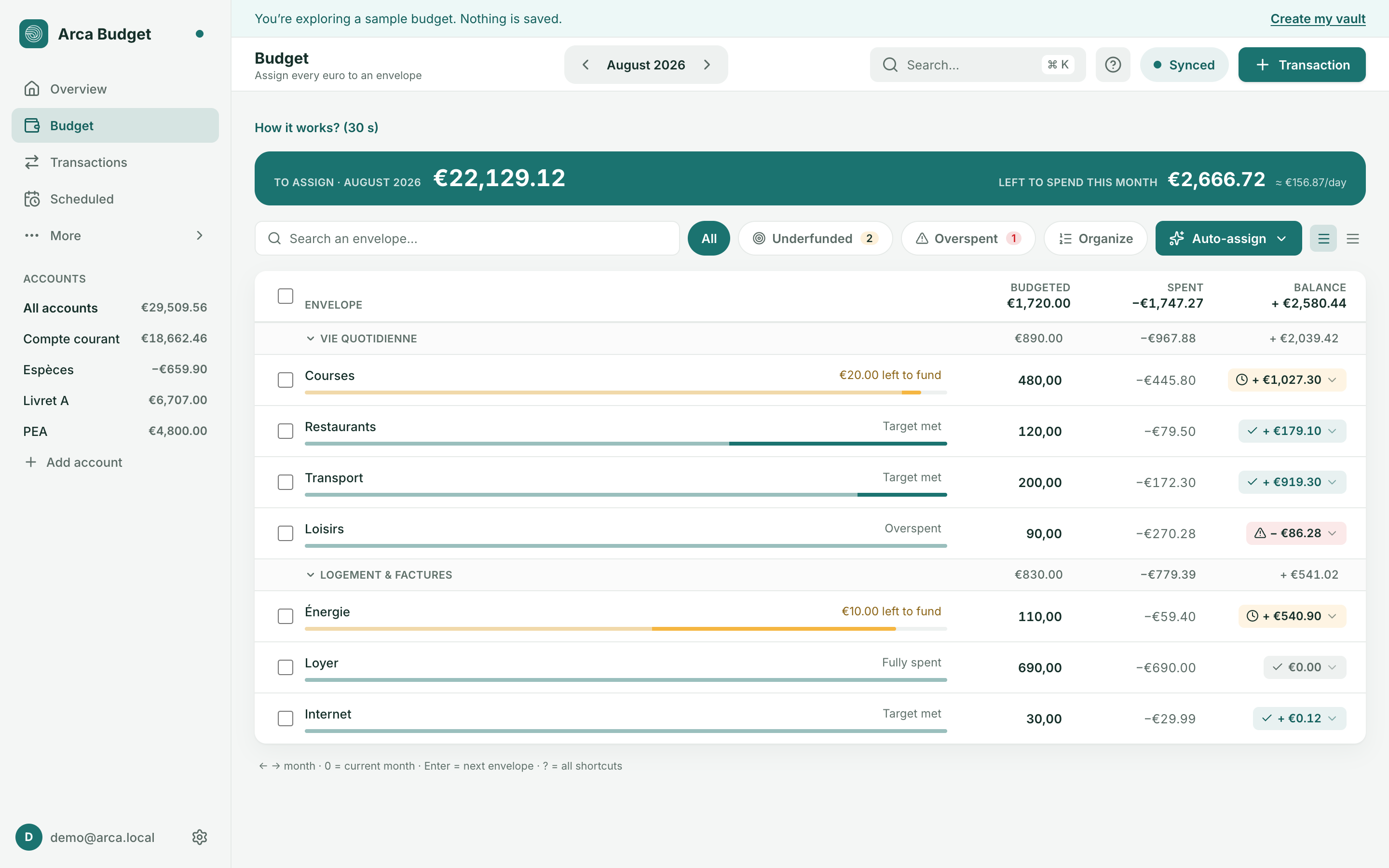
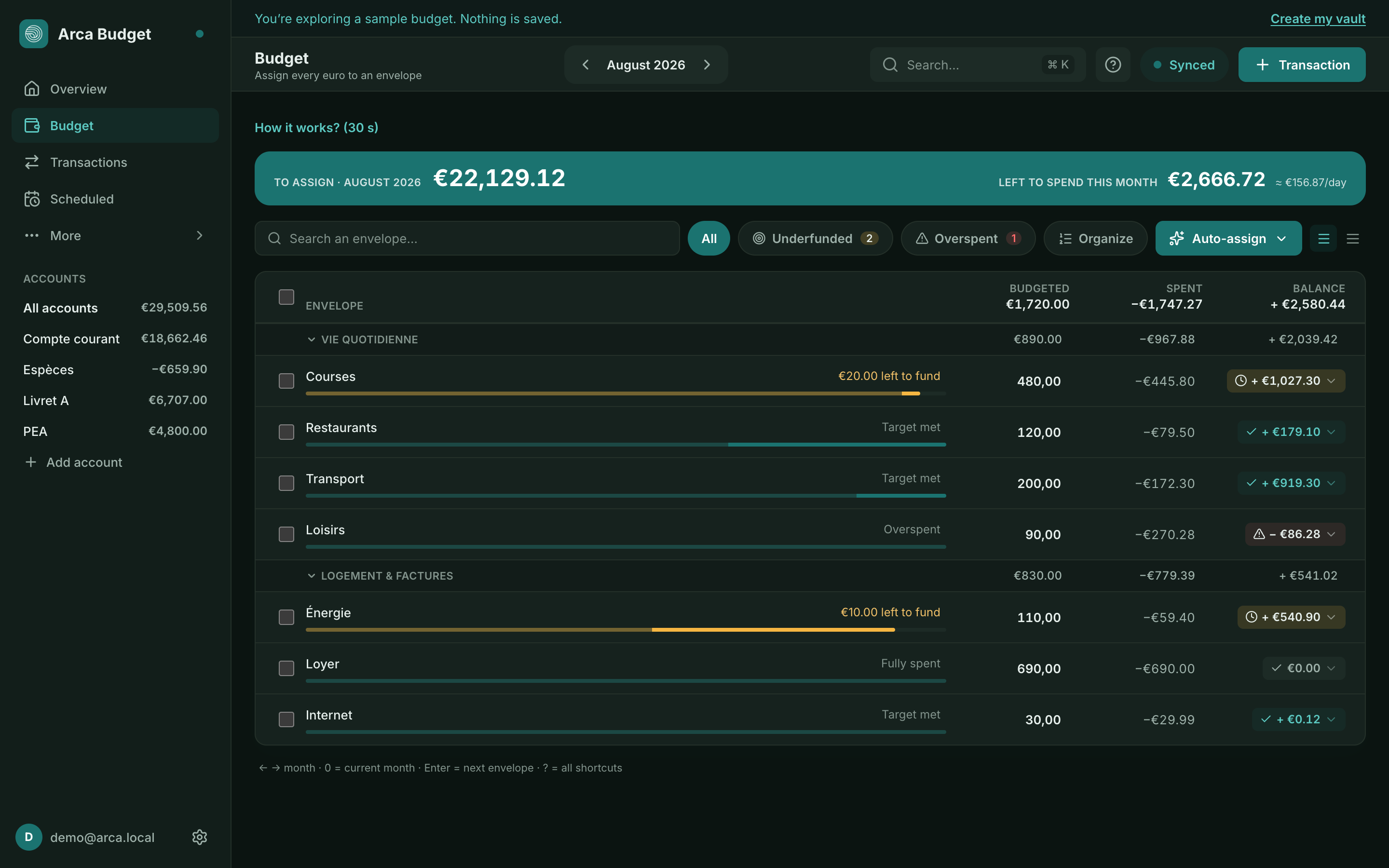
Arca follows one simple rule: assign every euro to an envelope (a category) before you spend it. Rather than a forecast based on future income, you only budget the money you actually have, right now.
To assign
Section titled “To assign”Money not yet allocated to a category shows at the top of the Budget page as “To assign”. As long as it isn’t zero, part of your money has no destination yet.
- Positive balance: there’s still money to distribute across your categories.
- Zero: all your available money has an envelope — the goal.
- Negative balance (“Over-assigned”): you’ve assigned more than you have; pull funds out of a category to get back to balance.
On-budget vs off-budget accounts
Section titled “On-budget vs off-budget accounts”Only on-budget accounts (checking, cards, cash, generally) feed “To assign”. Off-budget accounts (long-term savings, investments) count toward your net worth but their activity has no effect on your envelopes at all — useful for tracking an investment without it affecting your monthly budget. This setting can be changed per account from its details — unless the account is held in a currency other than the budget’s: it is then always off-budget (net-worth tracking only) and the switch is locked.
Assigning and organizing
Section titled “Assigning and organizing”Each category row shows Budgeted, Spent (this month’s spending/income) and Balance. Click a category to adjust its budgeted amount. Spent is clickable: it takes you to the transactions that make up that figure. Balance opens the adjustment panel.
Reading a row
Section titled “Reading a row”- The balance pill says the state through its colour and its icon, before you’ve read the figure at all.
- To the right of the name, a status sentence spells it out — “Target met”, “{amount} left to fund”, “Fully spent”, “Overspent”, “Set a target” — and clicking it opens the target editor. When a scheduled payment won’t be covered, “{amount} short by {date}” takes precedence over all the others: a dated expense that will really land outranks a monthly intention.
- Envelopes carrying a target get a two-segment bar: the share already spent, dimmed, then what’s still available. Full width, on mobile too. Without a target, no bar.
- On desktop, each row carries a checkbox, with Select all and Assign to all to budget several envelopes at once.
If a category is overspent, the adjustment panel offers:
- Top up this envelope — cover the shortfall with the money still to assign,
- Move out of this envelope — empty it back into “To assign”,
- Carry overspending to next month — instead of catching up right away.
Navigate between months with the ← → arrows (or 0 to jump to the current month), and press
Enter on a row to move straight to the next category — ⇧Enter goes back up one envelope. ?
opens the overview of every shortcut, ⌘K (Ctrl+K) the command palette, and Escape closes the open
panel.
Auto-assign
Section titled “Auto-assign”To go faster, Auto-assign offers several one-click strategies: fund active targets, copy last month’s assigned amounts, copy last month’s spending, average the last 3 months, or reset everything to zero.
End-of-month review
Section titled “End-of-month review”When the month turns, the Budget page offers a card — “Your {month} review is ready” — with Open and Later. The review looks back on the closed month and has you set an “if… then” intention for the next one. That intention is then recalled at the top of the Budget page (“Your intention for {month} — …”).
Category targets
Section titled “Category targets”A category can carry a target (an amount to fund every month, by a given date, a cap, etc.) — see Categories, rules and goals for the target types.
Was this page helpful?
Thanks — noted.