
Security & Privacy
What protects your data
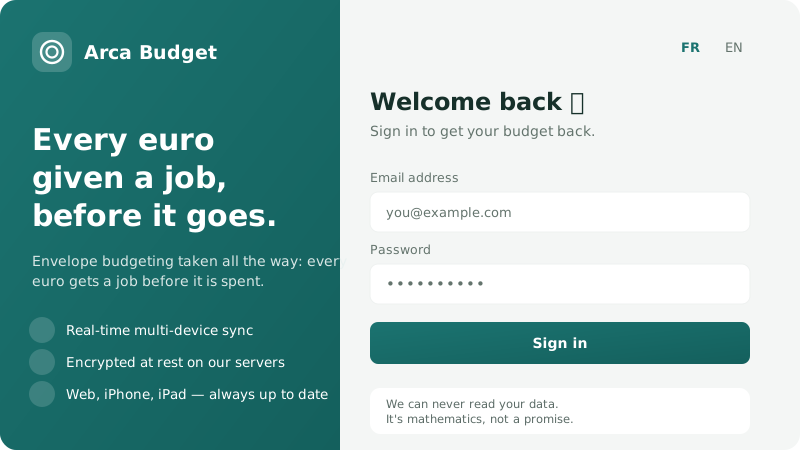
Your budget data — accounts, transactions, envelopes, amounts, notes — is stored in the clear on our servers. That is what lets them work out your balances, what is available and your month ahead once and for all, rather than redoing that work in every browser. Saying so is the precondition for everything else on this page.
What protects your account
Section titled “What protects your account”- Your password never reaches us. Your browser derives a fingerprint from it (PBKDF2-HMAC-SHA256, 600,000 iterations) and sends only that fingerprint, which we re-hash with Argon2id before storing it. The plaintext password never leaves your device.
- Two-factor authentication (TOTP) — a six-digit code from your authenticator app, as a second step at sign-in.
- Passkeys — fingerprint, face or device PIN instead of a password. See Sign-in methods.
- Sessions live in the database, rotate on every use and can be revoked remotely.
- Transport is HTTPS/TLS on every exchange.
What we see of it
Section titled “What we see of it”Nobody on our team accesses the contents of a budget. The admin console only ever returns metadata — a record count, dates, a subscription state — and no endpoint exposes a transaction. Admin actions are logged.
Two rules we hold ourselves to: the console will not gain a budget-data screen, and if support ever needs one to help you, it will be with your explicit consent, and it will leave a trace. It is written into the Terms.
Encryption at rest, and its limits
Section titled “Encryption at rest, and its limits”The database, the backups and the swap file live on an encrypted volume. The backups are additionally encrypted with a public key whose private half is not on the server: a stolen backup stays unreadable.
What the server sees — and doesn’t
Section titled “What the server sees — and doesn’t”| Data | Visible to the server? |
|---|---|
| Your transactions, amounts, envelopes, payees | Yes — that is what lets it compute them |
| Your first name and the goal you picked at sign-up | Yes |
| Your email address | Yes — needed for sign-in and notifications |
| The date of your last sync | Yes |
| Your password in plaintext | Never — only a fingerprint derived on your device is sent |
A forgotten password no longer destroys anything
Section titled “A forgotten password no longer destroys anything”Resetting it gives you back the account and the data — see Forgot your password. That was not the case before 25 August 2026: a recovery key was required, and without one the data was permanently unreadable.
The format is open
Section titled “The format is open”Vault contents follow a published schema, arca.vault.v1. Your export is that format, readable
by anything that implements it — see CSV import and export.
Was this page helpful?
Thanks — noted.