
Data
Multi-device sync
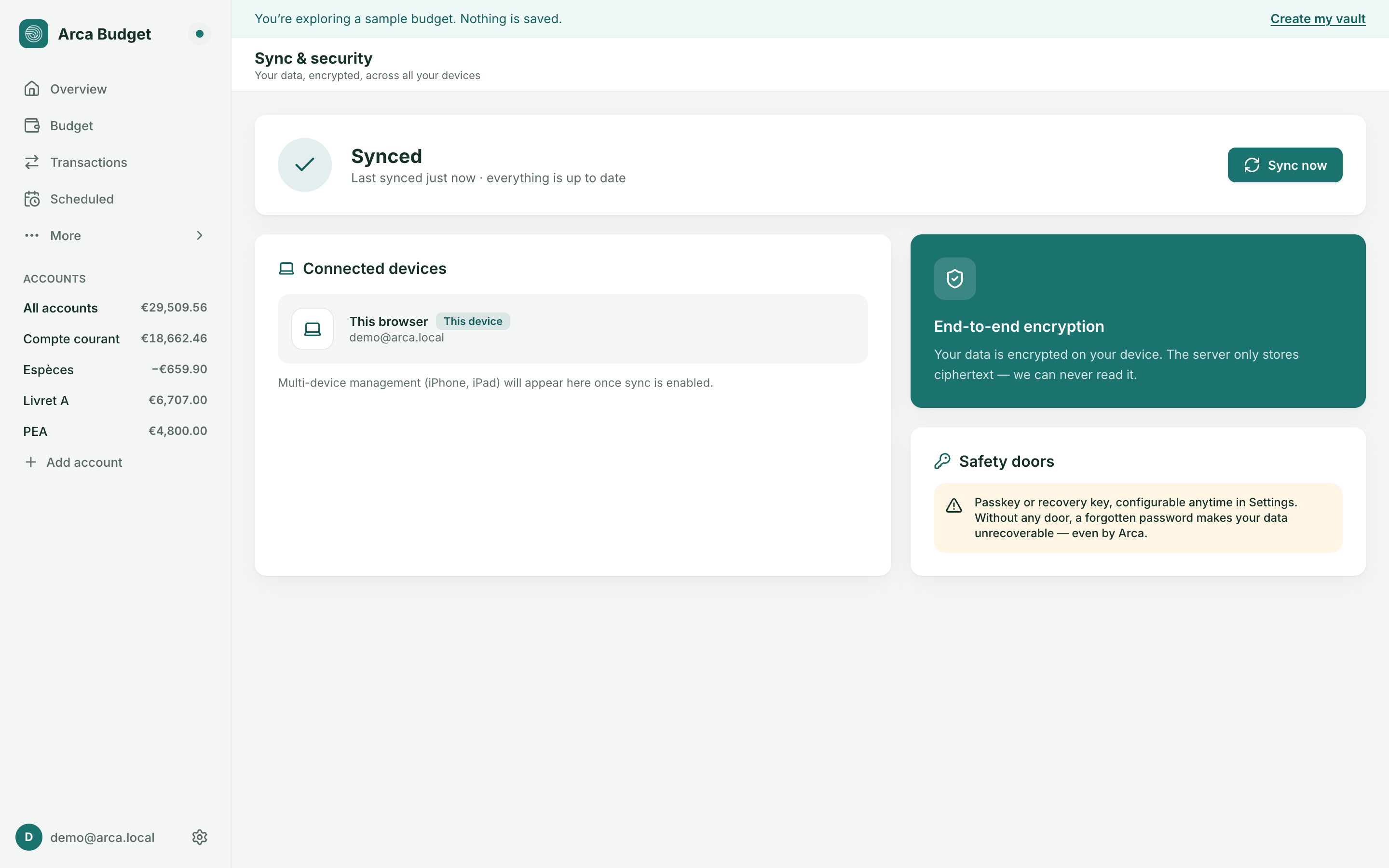
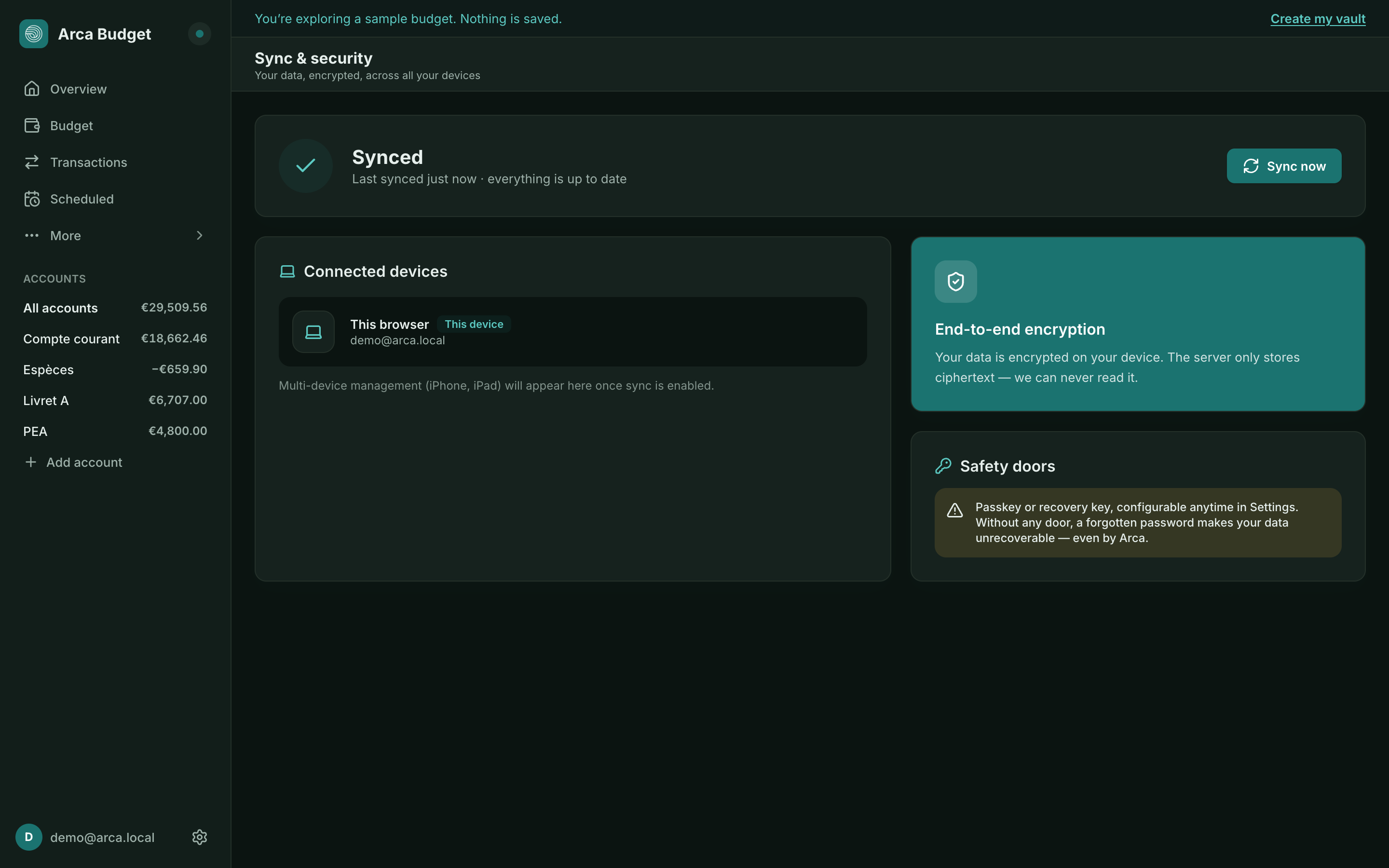
The Sync & security page shows the sync status of your vault. Open it from the sidebar, at the bottom: the Synced — backed up and encrypted on our servers block. In Settings, the Sync section only displays the state (Status, and Encrypted at rest: On our servers) — it doesn’t lead to that page.
Sync states
Section titled “Sync states”- Ready — nothing to send, everything is up to date,
- Syncing… — an exchange is in progress,
- Synced — last sync succeeded, with a timestamp,
- Offline — no connection; your changes will resume automatically once reconnected,
- Sync error — something went wrong; retry with Sync now.
Connected devices
Section titled “Connected devices”This section lists the sessions connected to your account (“This browser” is the device you’re currently using). Detailed multi-device tracking (iPhone, iPad…) will appear here as sync rolls out on those platforms. You can sign out a session remotely from this list.
Remember this device
Section titled “Remember this device”Your session is kept alive by a refresh token, valid for 30 days and renewed on every use. Signing a session out remotely really does cut its access: it can no longer read or write.
What protects these exchanges
Section titled “What protects these exchanges”Every exchange runs over HTTPS/TLS. Once they arrive, your data is stored in the clear on our servers — that is what lets them do the arithmetic — on encrypted disks, and nobody on our team accesses it. The detail, and what it does not protect against, are in What protects your data.
Was this page helpful?
Thanks — noted.